
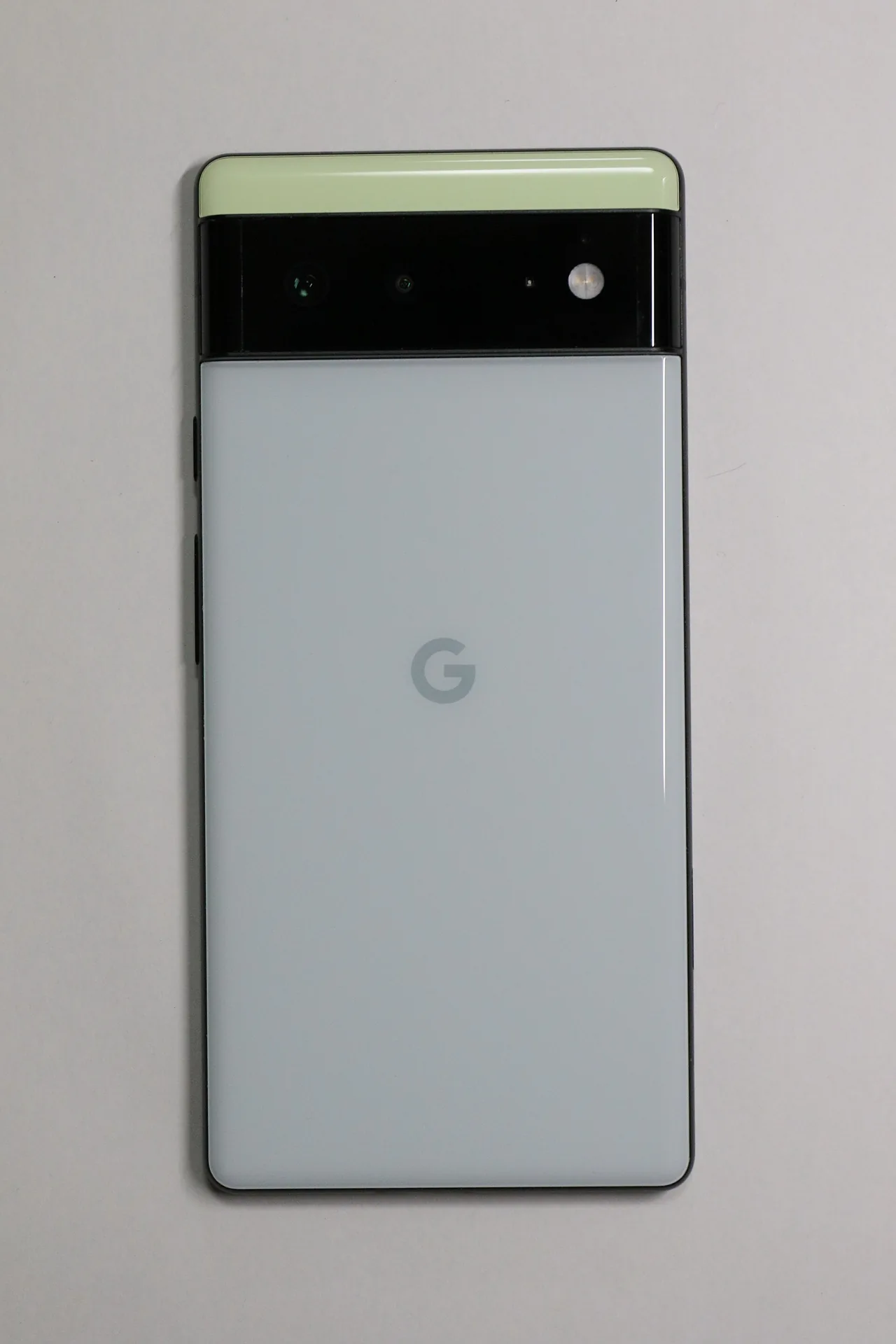
Google began rolling out the October 2026 update for supported Pixel phones. The package includes security fixes and performance adjustments, although the changes are not identical across the entire lineup. For Pixel 6 and 6 Pro owners, the timing has another significance: October marks the end of the five years of guaranteed updates for those models.
That does not mean the phone will stop working or that Google is prohibited from releasing a later fix. The policy defines a minimum support period, not a date when the device shuts off. It is also worth distinguishing the Pixel 6 and 6 Pro from the Pixel 6a: sharing a generation number does not mean they all went on sale on the same day.
Fixes vary by model
The change summary reported by Android Authority includes a fix for keyboard issues on devices from the Pixel 8 through Pixel 11 generations. It also notes fixes related to ringtone issues on Pixel 8 through Pixel 10 and screen orientation on the Pixel 11 family. These are not three issues that should be attributed to every phone on the list.
Google identifies builds by model and region. So it is more useful to check the update offered by your own device than to search for an isolated version string and assume it applies to any Pixel. The rollout may be gradual: the fact that another user already has the update does not show that there is a problem with your phone if it has not appeared yet.
The clock starts when the phone goes on sale, not when it is announced
Google’s official policy provides five years of updates for the Pixel 6, Pixel 6 Pro, and other models from that period, counted from their first availability on the US Google Store. The starting point is not the date of a conference or the day you bought a used device. Confusing those dates can lead to miscalculating how much time remains.
For Pixel 8 and later generations, Google promises a seven-year period. That extension does not automatically apply retroactively to the Pixel 6. Before buying an older model because of its price, checking how many guaranteed years remain provides more useful information than looking only at the current Android version.
What to check before and after updating
Look for the system update section in Settings and check which package the phone itself offers. Backing up important data, making sure the battery is sufficiently charged, and letting the restart finish can keep a routine installation from becoming an unnecessary interruption. There is no need to download files from an unknown website to get ahead of a gradual rollout.
Afterward, check whether the issue affecting your model has been resolved. App updates and Google Play system updates have their own mechanisms and do not replace every system fix. For the Pixel 6, the specific takeaway is that its guaranteed support period is ending: any subsequent extension or special patch will need to be confirmed separately, without announcing it as certain or ruling it out entirely in advance.