
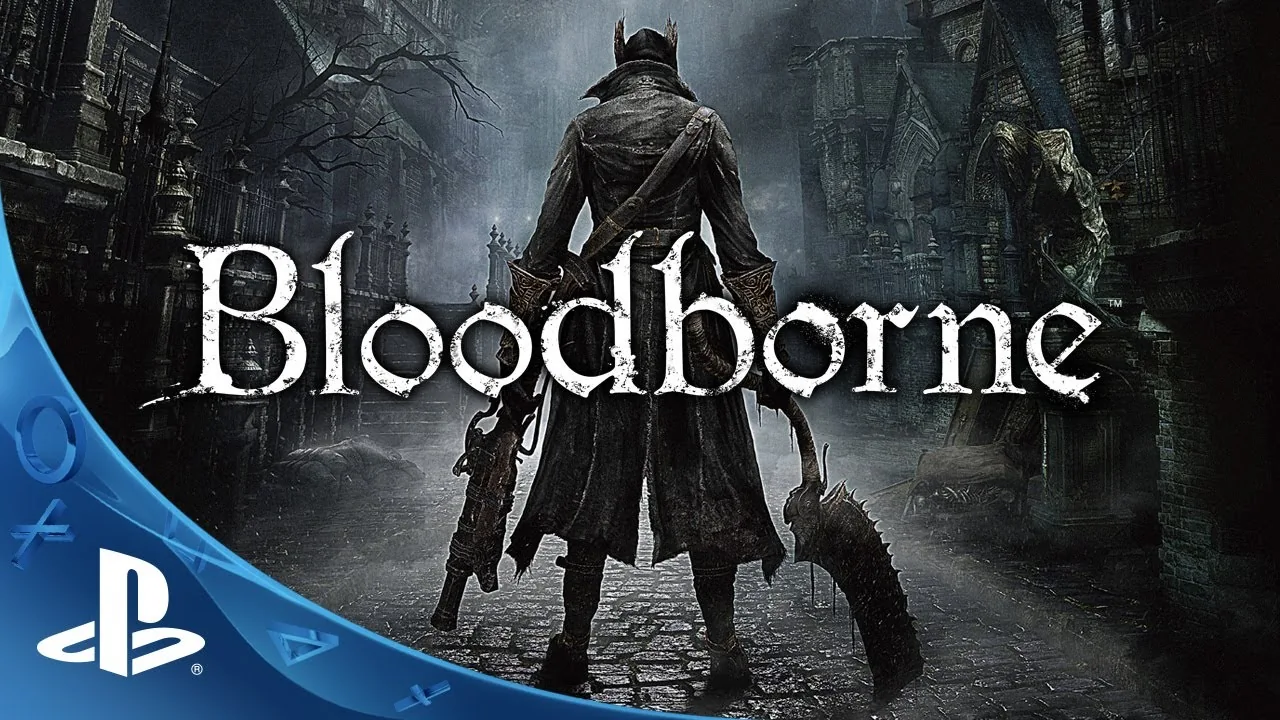
Bloodborne has a new development path on PC: a community project adapting execution of the PS4 game to Linux, with a separate Windows variant. Its progress is interesting, but two points matter from the start: the code is publicly available and the work remains experimental. This is not an official PC edition announced by Sony or FromSoftware.
The original repository, maintained by deadinside28, explains that it executes the game’s x86-64 instructions directly and replaces console services through a compatibility layer. Graphics use a Vulkan renderer derived from shadPS4, with changes specifically tailored to Bloodborne. This does not mean the developers have the game’s source code, or that they are building an emulator for the entire PS4 library.
What works today
The team describes booting, loading and saving games, sound and controller support. It reports testing the Hunter’s Dream and several areas of Yharnam. It also includes a warning that changes how impressive footage should be interpreted: a complete playthrough has not been verified. Passing one scene or exploring one area does not prove that every boss, transition and event works.
Frame rates shared by developers or users depend on the GPU, driver, resolution and project version. We do not present them as guaranteed performance. The Linux branch documents more extensive testing on a Radeon RX 7800 XT with Mesa RADV; this does not make every AMD, NVIDIA or Intel card a validated configuration.
Windows has a separate adaptation
Supermedo’s variant adds a Windows launcher and additional graphics options. As a separate branch, its progress and problems should not automatically be combined with those of Linux. Its notes still warn about GPU compatibility and features under development. Installing the latest version does not guarantee that an issue observed on another hardware combination has disappeared.
The project does not distribute Bloodborne’s commercial game files. Its documentation requires game data obtained from an owned copy and specifies version requirements. Downloading the launcher alone does not provide the complete game. A page promising a free official edition under this name would be describing something different from these repositories.
Why the progress matters
The technical interest lies in concentrating compatibility work on one title. That specialization allows developers to adapt features and fix specific errors, without solving execution of other games. It can provide a different route from general emulation, while still leaving synchronization, graphics and stability problems to address.
For players, the practical takeaway is to follow releases and their issue reports before treating the experience as finished. Keep save backups and read the requirements for the selected branch. The project already provides observable results and code that can be examined; a commercial PC version of Bloodborne would still require its own official announcement.